Top 10 Reasons Why I Use Fireworks for Website Design instead of Photoshop

Posted in: Web Design- Feb 13, 2012 3 Comments

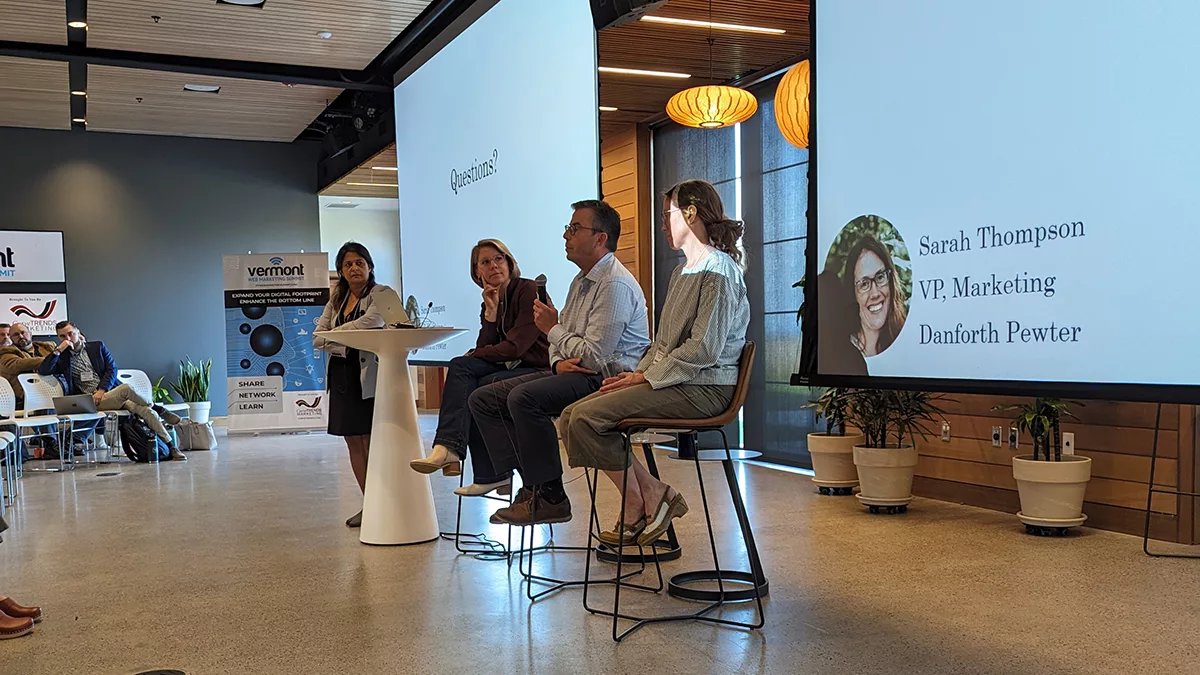
Fireworks vs. PhotoshopThis week I (Interactive Director – Matthew Nelson) gave a quick 30 minute presentation up at this month’s New England Adobe User’s Group about why I use Fireworks for the majority of my website design and mock up work. Now we all know that Photoshop is the the industry standard, and I use it almost every day, but not as much as I use Fireworks. Fireworks has been around for a long time and I have been using it for years. From time to time I find myself getting into the Photoshop vs. Fireworks debate I felt it was finally time to put it out there and explain why I still think that Fireworks is still a web designers best friend even today in 2012.


Top 10 Reasons Why Fireworks Rules
  1. Export Area Tool - allows you to simply export pieces of your design extremely quickly
  2. Setting up guides on layouts by pixel - setting up your design guides by simply entering in their location by pixel is a huge time saver
  3. Super quick color on/off tools - when creating layouts simply turning color on and off of layout items is very helpful to make the transition from Wireframes to final design that much quicker and more affordable
  4. Quick Access Gradient and Texture Tools (properties inspector) - I personally like how Fireworks makes it very quick and simple to create and edit your gradients
  5. Simple Masking Tools (paste inside) - not having to deal with clumsy making layers keeps mock up files clean and easy to work with
  6. Quick simple web tool mock up items - not having to mock up standard web elements like drop down boxes are a big time saver for mock ups
  7. Icon tool library - not having to create standard functionality items like search magnifying glasses, shopping cart icons is a big time time saver for me when it comes to the wireframe part of the process
  8. Quick access to common special characters - I hate having to try and remember all the codes for things like “trademark” and “copyright” Fireworks give you a simple quick access panel for all of them
  9. Lots of stock button styles to choose from - pure convenience, make it easy for me to create a nice rounded button with a decent gradient texture and let me customize from there.
  10. Ability to mock up multiple pages within one file

Watch a Quick Video Demo


Are you ready to have your website design improved?

If your online property is ready for a visual and functional overhaul you should definitely give us a call ASAP (check out our portfolio of website samples if you like). We have been designing and implementing website solutions for businesses of all shapes and sizes for over 8 years now. If you are looking to do a better job communicating with your customers online and converting more of your online traffic into leads and sales then give us a call today at 603-924-1978 or fill out our website development request form. We look forward to speaking with you soon about your project.

Like this? Leave a comment and share this post:

3 Responses to “Top 10 Reasons Why I Use Fireworks for Website Design instead of Photoshop”

  1. Mike says:

    Reason 11: Because Fireworks is actually built (and marketed) as a web design tool, whereas Photoshop is really just anything.

  2. Matt Nelson says:

    Thanks for the addition to the list Mike! :)

    I just find that lots of designers that I run into don’t actually know that, or are unwilling to give it a try, my hope was this list would convert more users to give it a try.

  3. FireNews Week 1 | FWPolice says:

    [...] Top 10 Reasons Why I Use Fireworks For Website Design Instead of Photoshop [...]